How can we help you?
Browse Categories
1 min read
Understanding Group Labels

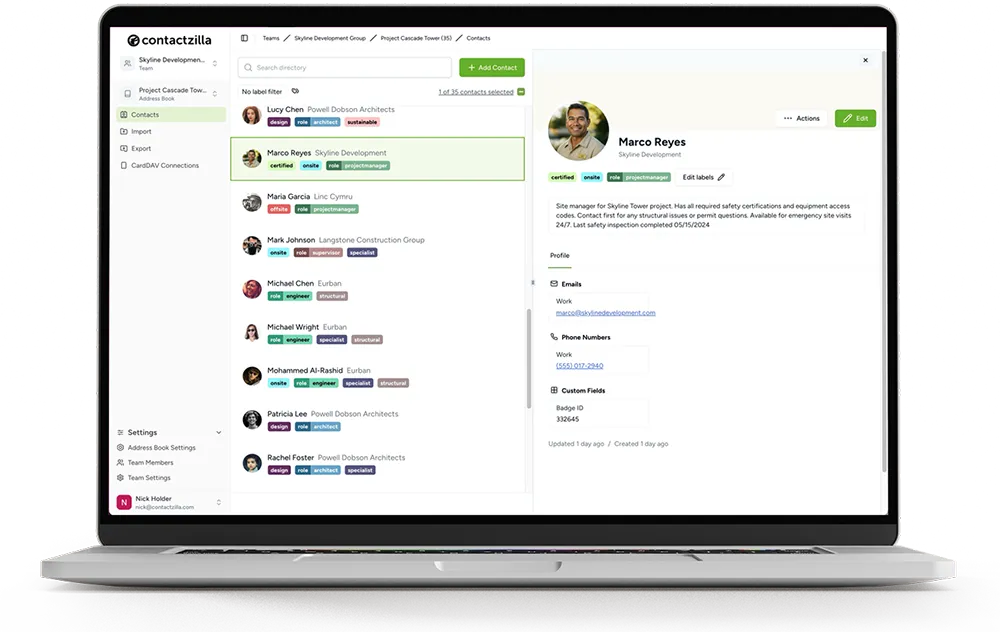
Group labels are a special type of label that use a prefix followed by a colon (e.g., department:marketing, role:chief). They work differently from regular labels in several important ways.
This video explains how group labels work (e.g., rank:lead) and why contacts can only hold one value per group. It also shows how to switch a contact between group values and how group labels can support cleaner label-based filtering when you’re controlling what syncs via CardDAV.Key Features
- A contact can only have one label from each group
- When you assign a new group label to a contact, it automatically replaces any existing label from that same group
- Examples include:
- department:finance
- role:supervisor
- sector:construction
- You can color code your labels to make them easily identifiable.
Common Uses
- Organizing contacts by department
- Assigning roles or ranks
- Categorizing by sector or division
How They Work
When you assign a new group label to a contact, it automatically replaces any existing label from the same group. For example, if a contact has role:engineer and you assign role:supervisor, the previous role label is removed.
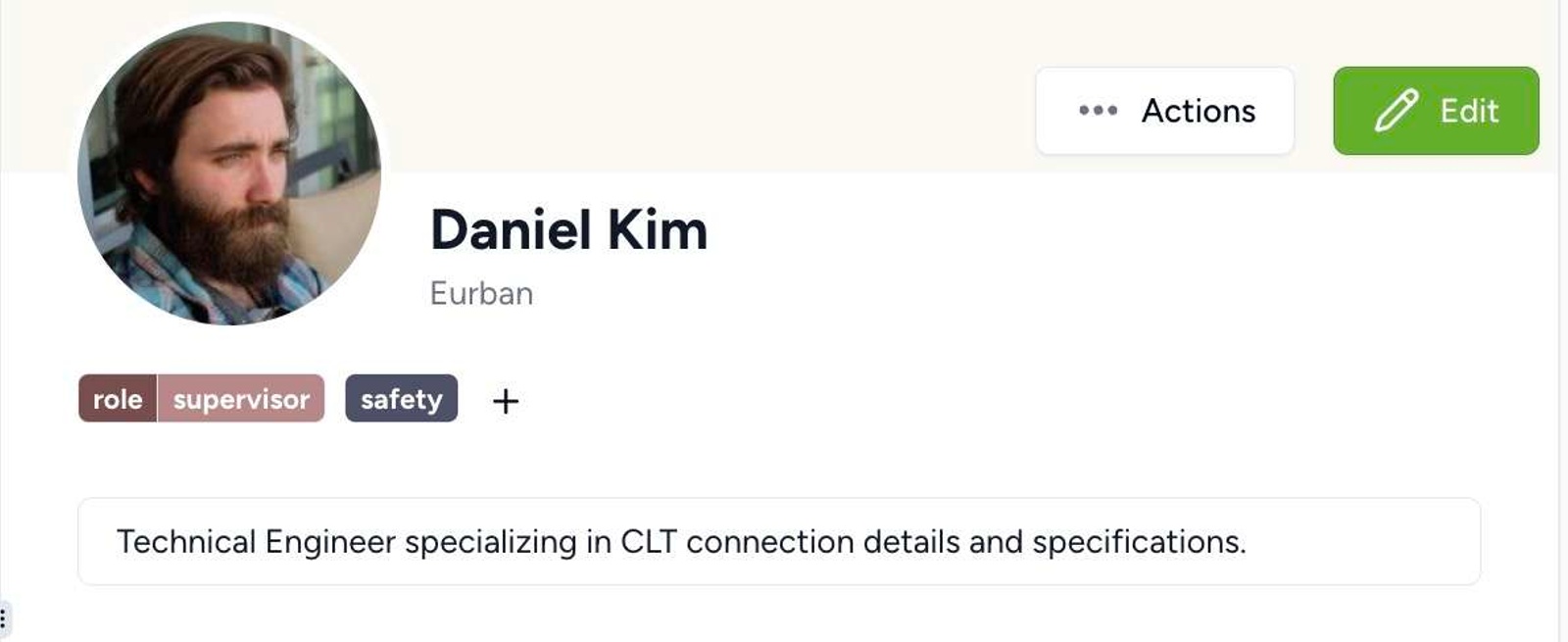
This feature is particularly useful for:
- Maintaining organizational hierarchy
- Ensuring contacts don’t have conflicting roles or departments
- Creating clear organizational structures
Still need help?
Our support team is available to assist you with any questions or issues you may have.