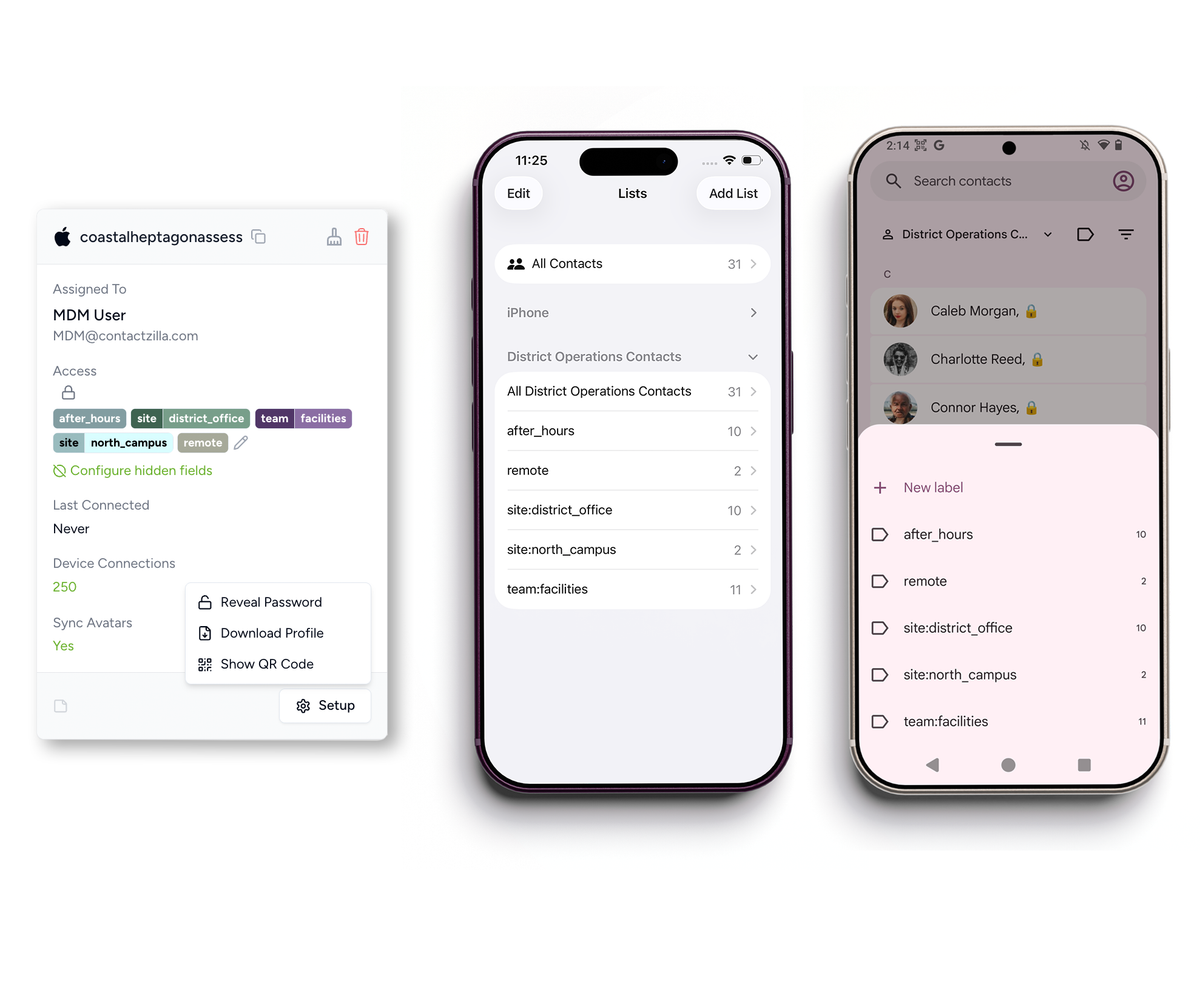
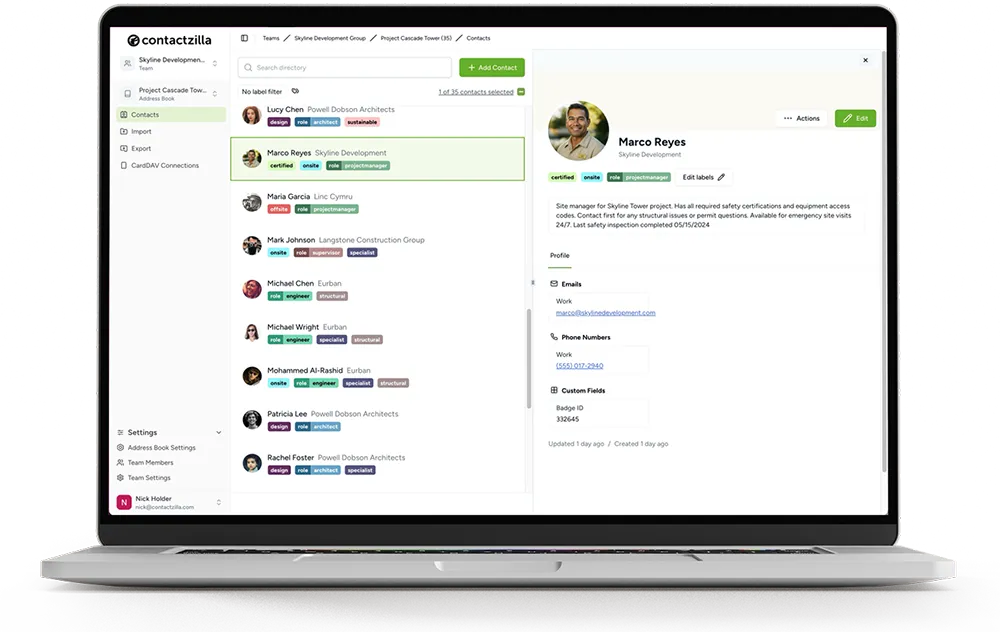
Deploy shared business contacts to managed iPhones and Android devices
Contactzilla helps IT teams manage shared address books centrally, create MDM-ready device connections, and keep contacts updated in the native contacts app.
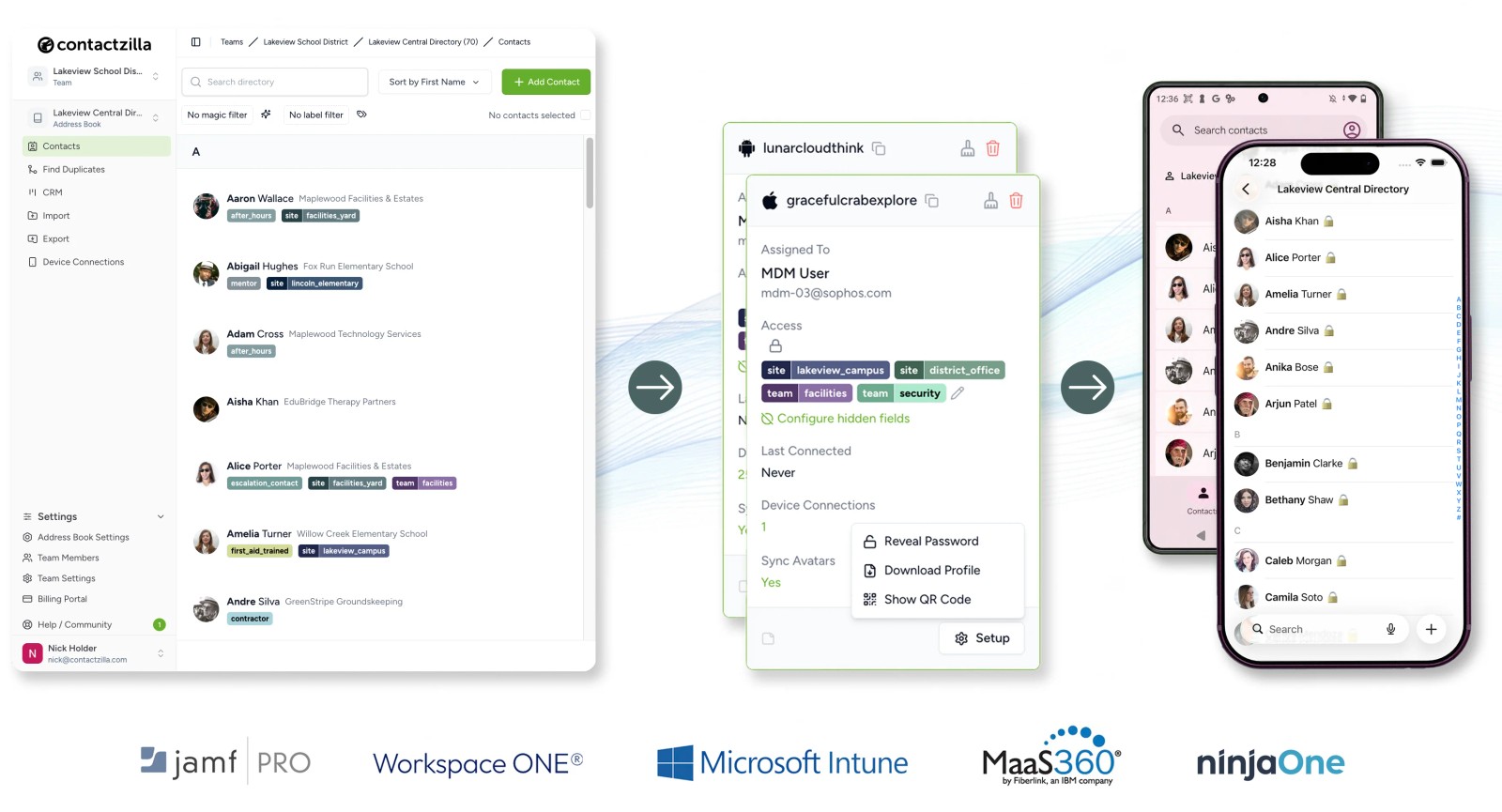
From shared address book to managed device rollout
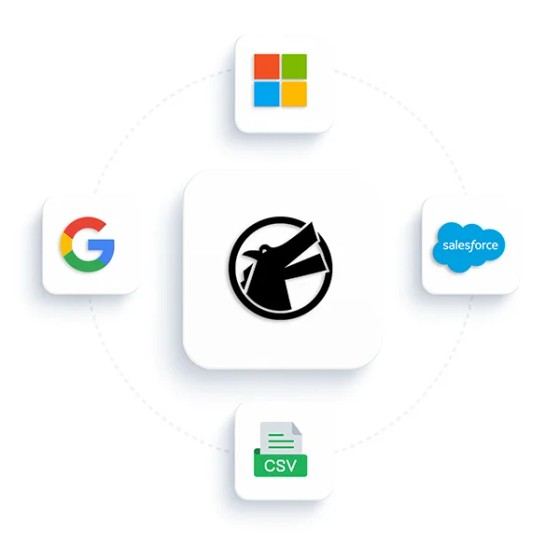
Manage your shared address books
Bring contacts into Contactzilla from your existing systems and organise them into the lists your team needs
- Microsoft 365 / Entra ID
- Google Workspace
- CRM contacts
- CSV and vCard files
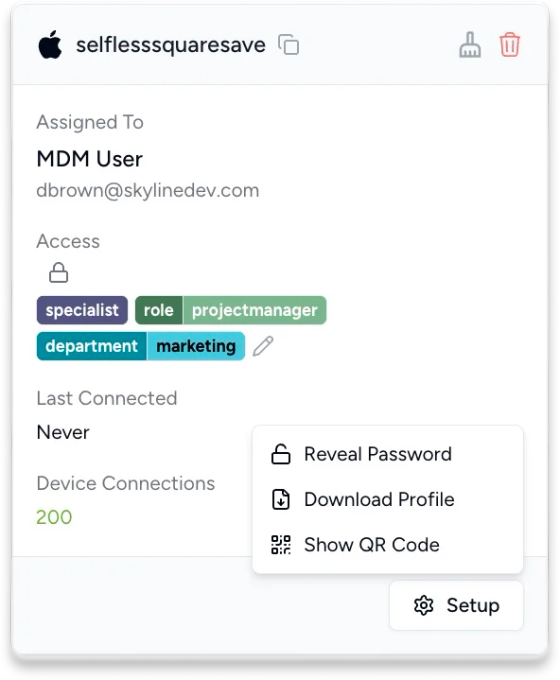
Create an MDM-ready device connection
Choose iPhone or Android, set the right access level, and generate the deployment file for your MDM.
- iOS and Android deployment options
- Read-only or read/write access
- Selective lists using labels
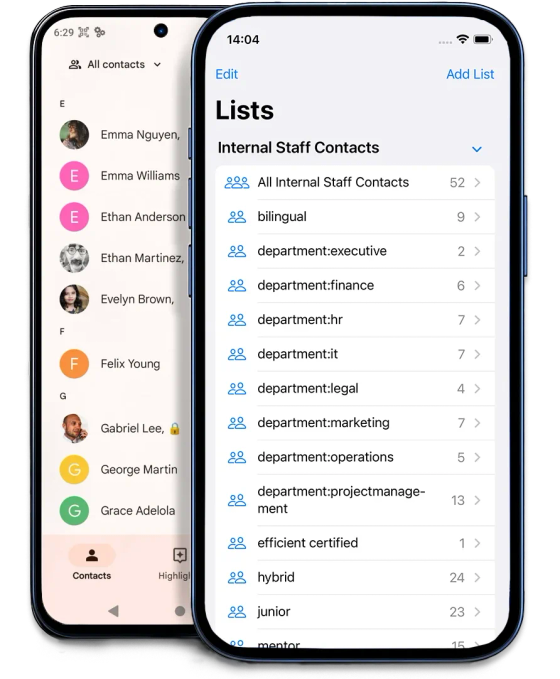
Deploy contacts to managed devices
Use your MDM to deploy the Contactzilla connection to selected phones. Contacts appear in the native Contacts app and stay updated when the address book changes.
Keep shared contact lists current across managed iPhones and Android devices
Start your free 14-day trialNo credit card required ✦ Test with your existing MDM
Built for your existing MDM setup
Contactzilla gives IT teams platform-specific deployment routes for iPhone and Android, while your MDM remains responsible for assigning contacts to the right managed devices.

iOS profile deployment
Generate a Contactzilla .mobileconfig profile for CardDAV deployment and upload it to your MDM.

Android Enterprise deployment
Deploy Contactzilla Sync from Managed Google Play. Your MDM applies the managed configuration, and contacts sync into the native Android Contacts app.

Designed for your existing MDM
Use Contactzilla with common MDM and UEM platforms, including Intune, Jamf, Mosyle, Workspace ONE, MaaS360, Hexnode, NinjaOne, SOTI and ManageEngine.

Central updates, native contacts
Update contacts centrally in Contactzilla. Changes sync to managed devices, where contacts appear in the native Contacts app with caller ID support.
The right contacts, delivered securely to the teams that need them
“Contactzilla has made it super easy for us to deploy and update critical team contacts automatically via MDM or manually via email — and locking the lists means crews in the field always have the right information without risk of accidental changes.”

Sam Simanjuntak
Central Pierce Fire & Rescue
““Contactzilla has added the ability to synchronize and share critical contacts across our field devices - ensuring consistent access for those delivering care in fast-moving situations. It's been a perfect addition to our MDM setup.””

Sean Skaugen
North Hayes County EMS
Security and data protection
Contactzilla protects shared contact data with security controls, privacy safeguards and managed access.



Keep shared contact lists controlled after deployment
Choose how contacts behave on devices, who can update them, and which teams receive which lists.
- Read-only deployment: Let users view contacts on their devices without changing the master contact list.
- Selective read-only lists: Use labels to send only the relevant contacts to specific teams, sites, departments or device groups.
- Read/write options: Give selected users the ability to update contacts where editing is required.
- Delete protection: Allow contact updates while preventing users from deleting contacts from the source list.
- Limited admin access: Let managers or department leads update the right address books without giving everyone full account access.